
20 Best Tech Gifts Under $25 (That Don’t Look Cheap)
The most-returned gift on Amazon every holiday season isn’t the expensive stuff. It’s the $12 gadget in a flimsy blister pack that looks like it fell off a gas station rack. Price isn’t what makes a gift feel cheap. Design, packaging, and how well it solves a real problem do the work.
This guide gives you the 20 best tech gifts under $25 (that don’t look cheap). Every pick here has been chosen for matte finishes, solid weight, clean design, and a function people use daily. Prices are typical US street prices at the time of writing and swing by a few dollars during sales.
What Makes a $25 Tech Gift Look Expensive (and How to Spot It in 30 Seconds)
You can judge a gift’s perceived value before you buy it, using four visual checks. Learn these and you can vet any product listing in under a minute.

The four-point premium check
- Finish: Matte or soft-touch beats glossy plastic every time. Glossy shows fingerprints and screams ‘toy.’ Look for words like ‘matte,’ ‘soft-touch,’ ‘aluminum,’ or ‘braided.’
- Branding: A tiny, tasteful logo reads as confident. A giant logo or a slogan printed across the front reads as cheap. Anker, Baseus, and TP-Link all keep branding small.
- Cables: Braided nylon cables feel like a $40 product even on a $9 item. Rubbery, thin cables give the game away.
- Weight: Metal casings add heft. In product photos, check the listed weight: a 60-gram speaker with a ‘metal grille’ is usually plastic painted silver.
The review filter
Open the one-star and two-star reviews and search for ‘broke,’ ‘stopped charging,’ and ‘smaller than.’ If more than 3 of the first 20 low reviews mention the same defect, skip it. But what if the product has few reviews? Under 500 reviews on a $20 gadget is a gamble. Stick to products with 2,000+ ratings and a 4.4-star average or higher.
Everything below passes these checks. I’ve grouped the picks by category so you can match the gift to the person.
Smart Home Starter Gifts Under $25 That Feel Genuinely Useful
Smart home gear is the easiest category to give well, because it fixes small daily annoyances. Here are the five best under $25.
1. TP-Link Kasa Smart Plug Mini 4-pack (about $20)
One smart plug turns any lamp, fan, or coffee maker into a voice-controlled device. This 4-pack works with Alexa and Google Home and costs around $5 per plug. Setup takes about 3 minutes: plug it in, open the Kasa app, and follow the pairing prompts. Success looks like the plug’s light turning solid green.
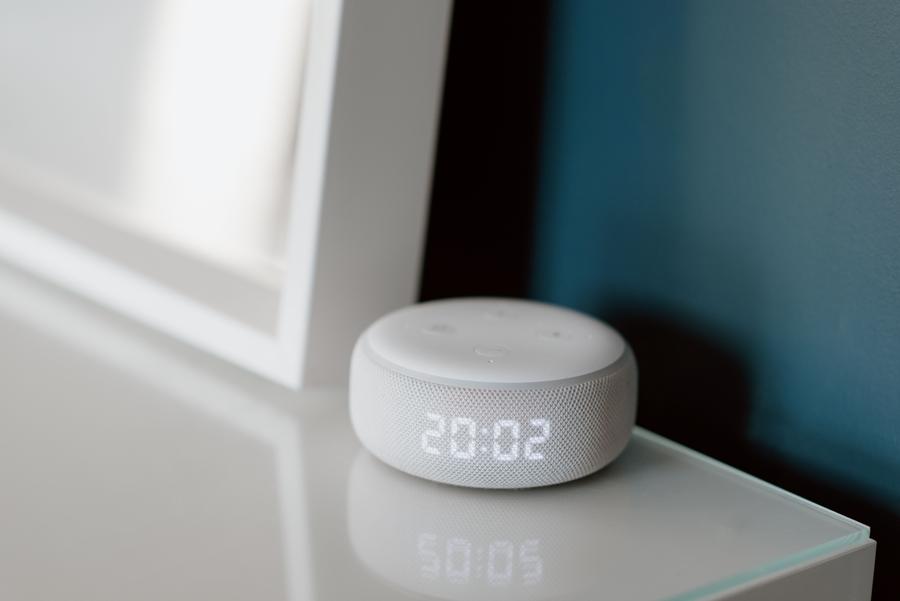
2. Amazon Echo Dot or Google Nest Mini on sale (about $22-25)
Both list near $50 but drop to $22-25 on sale several times a year, especially around Prime Day, Black Friday, and mid-November. Set a price alert on CamelCamelCamel and buy when it hits $25 or less. What if it never drops? The Echo Pop, a smaller model, often sits near $25 year-round.
3. Govee RGBIC LED Strip Lights, 16 ft (about $20)
These add color-changing accent lighting behind a TV or desk. Look for the ‘RGBIC’ label, which lets multiple colors show at once instead of one flat hue. They feel far pricier than they are.
4. Wyze Cam v3 on sale (about $25-35)
It usually lands slightly over budget, but Wyze runs frequent discounts. When it hits $25, it beats cameras costing three times as much.
5. Smart bulb 4-pack from Wiz or Philips Wiz (about $22)
These need no hub, which means no extra purchase to get started. Screw one in, scan a QR code, done.
Audio Gifts Under $25: Portable Speakers and Earbuds That Sound Better Than Their Price
Audio is where cheap products fail loudest, so choose carefully. The picks here avoid the tinny, distorted sound that makes a gift embarrassing.
6. Anker Soundcore Select 4 Go or similar (about $20-25)
Anker’s Soundcore line delivers punchy bass for the price and carries an IPX7 rating, meaning it survives a drop in shallow water for 30 minutes. Battery life runs about 15-20 hours at moderate volume.
7. Soundcore P20i or Soundcore A20i earbuds (about $20-25)
These deliver roughly 30 hours of total battery with the case, and the matte case looks upscale. What if they don’t fit? They ship with multiple ear tip sizes, so include the receipt.
8. Wired USB-C earbuds with a built-in mic (about $12-15)
Many new phones drop the headphone jack, and a reliable wired pair makes a thoughtful backup. Look for aluminum housing and a braided cord.
9. Anker SoundCore Nano mini speaker (about $20)
This tiny speaker fits in a pocket and offers a clip-on convenience that makes it great for showers and backpacks.
A caution before buying any speaker: ignore ‘wattage’ claims in the title. Watts on cheap speakers are marketing numbers. Judge by driver size (look for 40mm or larger) and the reviewers’ comments about distortion at high volume.
Charging Gear Under $25: The Gifts People Actually Use Every Single Day
Nobody ever complained about receiving a good charger. This category has the highest ‘use it daily’ rate on the list, and quality varies a lot, so brand matters here.
10. Anker Nano 30W USB-C charger (about $18-20)
The Nano is about the size of a matchbox and charges a modern iPhone from 0 to 50 percent in roughly 30 minutes. GaN technology (gallium nitride, a material that runs cooler than silicon) is why it’s so small. Fast chargers from unknown brands can overheat, so this is not the place to save $4.
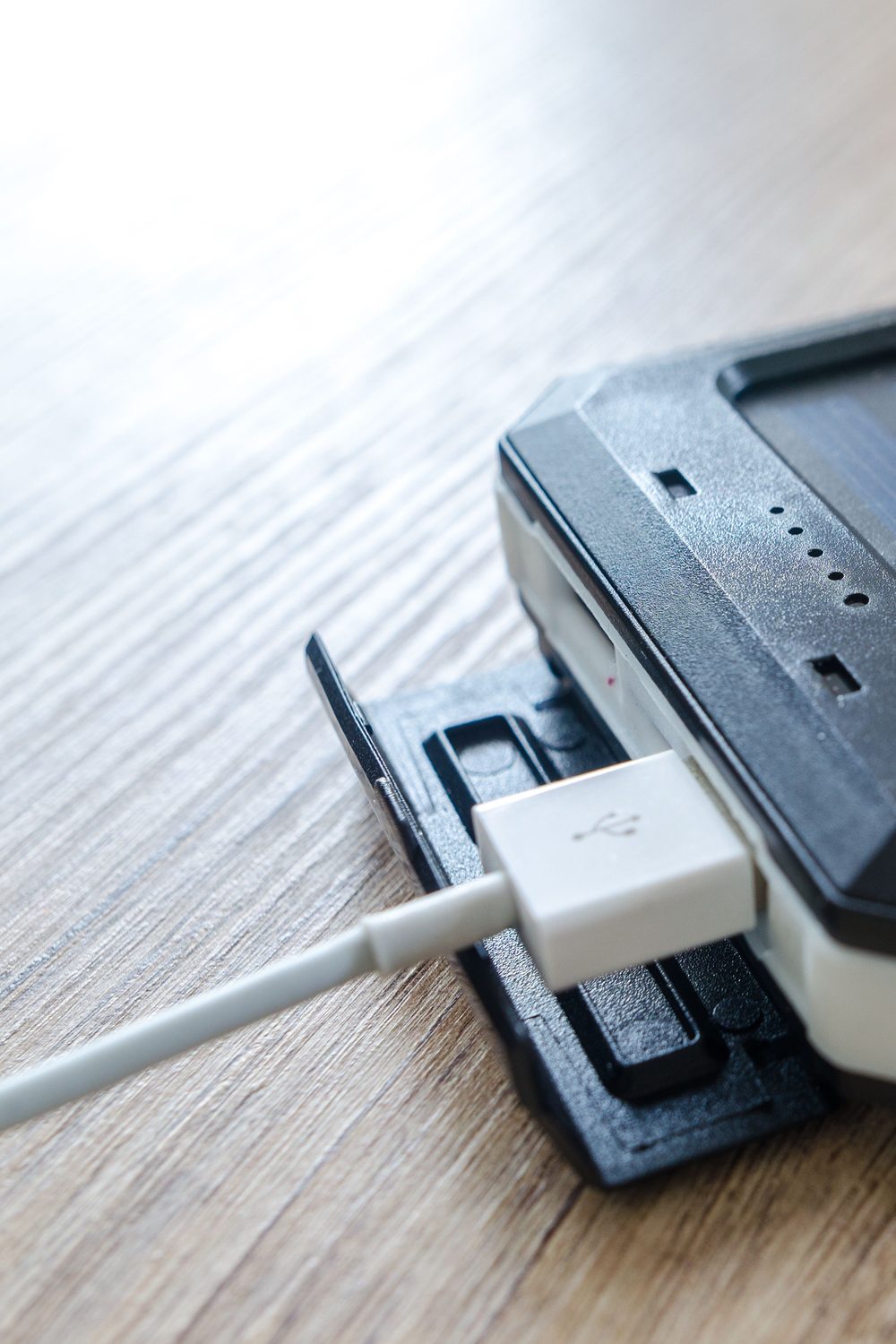
11. Anker 321 or 622 MagGo magnetic power bank (about $22-25)
A magnetic power bank snaps onto the back of an iPhone 12 or newer and charges wirelessly. It gives about one extra full charge. What if the recipient uses Android? Skip this and pick a standard 10,000 mAh slim power bank instead.
12. Braided 6 ft USB-C to USB-C cable, 2-pack (about $14-18)
A longer cable is a quiet luxury: it reaches the couch from the wall socket. Look for a 100W rating and a nylon braid.
13. 3-in-1 foldable charging cable (about $12-15)
One cable with Lightning, USB-C, and Micro-USB ends solves the family-of-mixed-devices problem. Great for road trips.
Everyday Gadgets Under $25 That Solve Real Problems
These gifts work because the recipient immediately says, ‘Oh, I needed that.’ Utility beats novelty every time.
14. Apple AirTag alternative tracker, 2-pack (about $20-25)
Trackers from Chipolo or Tile (look for the Chipolo ONE Point or Tile Mate) help find keys and wallets. Important: match the tracker to the phone. An AirTag-compatible tracker works with iPhones only, and Tile works across both iPhone and Android. Check this before buying or the gift is useless.
15. Tablet or phone stand, aluminum (about $14-20)
The Lamicall and UGREEN aluminum stands add a surprisingly premium look to any desk. Pick one with an adjustable angle.
16. Cable organizer and desk cable clips set (about $10-12)
This sounds boring but receives enthusiastic reactions, because everyone has a messy desk.
17. Digital kitchen scale, 11 lb capacity (about $12-18)
A scale is a tech gift for the cook. Pick one with a tempered glass or stainless top and a backlit display.
One note here: not every gadget at this price suits every person. A tracker for a recipient who never loses anything will sit in a drawer. Match the item to a problem you’ve actually watched them have.
Fun and Cozy Tech Gifts Under $25 for People Who Have Everything
For the person who already owns the basics, aim for gifts that add enjoyment rather than function.
18. Mini projector or galaxy star projector (about $20-25)
Star projectors cast a soft, slow-moving night sky on the ceiling. They’re a hit with teens and anyone who likes ambient lighting. Choose one with a USB-C or USB-A power option, not batteries, so it doesn’t die mid-movie.
19. Retro-style Bluetooth speaker or LED lamp (about $18-24)
A wood-grain or fabric-wrapped design looks like decor, not electronics. This works especially well for a bedroom or dorm.
20. Wireless charging pad with a nightstand clock (about $18-25)
Pads with a built-in clock or ambient light pull double duty. The recipient drops their phone on it before bed and wakes up charged.
A practical tip for this category: a gift with a gentle glow or soft fabric feels thoughtful rather than gadget-y. These sit in plain sight, so appearance matters more than spec sheets.
Which Gift Fits Which Person? A Comparison Table With Clear Recommendations
Here’s how five top picks compare on price, setup effort, and wow-factor, with a recommendation for each recipient type.

| Gift | Typical Price | Setup Time | Daily Use? | Best For |
|---|---|---|---|---|
| Anker Nano 30W Charger | $18-20 | 0 min | Yes, daily | Anyone with a modern phone or tablet |
| TP-Link Kasa Smart Plug 4-pack | $20 | 3 min per plug | Yes, daily | Smart home beginners and renters |
| Soundcore P20i Earbuds | $20-25 | 2 min | Yes, daily | Commuters, students, gym-goers |
| Magnetic Power Bank | $22-25 | 0 min | Weekly | iPhone users who travel |
| Star Projector | $20-25 | 1 min | Occasional | Teens and people who ‘have everything’ |
Quick recommendations: For a coworker or secret Santa, choose the charger. For a first-apartment gift, choose the smart plug pack. For a student, choose the earbuds. For a hard-to-shop-for relative, choose the projector.
3 Common Gift-Buying Mistakes That Make a $25 Gadget Look Like $5
Even a good product can flop when you stumble on these errors. Each one has a quick fix.
Mistake 1: Ignoring compatibility
An AirTag-style tracker for an Android phone, or a Lightning cable for a USB-C iPhone 15, is a dead gift. Fix: Ask a family member which phone the person uses, or check the phone’s charging port before buying. If you can’t find out, choose a gift that works with everything, such as a power bank with both USB-A and USB-C ports.
Mistake 2: Buying the cheapest version of a good product
A no-name ‘fast charger’ at $7 is the product most likely to fail or overheat. Fix: Spend the extra $8-10 on Anker, Baseus, or UGREEN. Safety certifications like UL listing are worth the premium for anything that plugs into a wall.
Mistake 3: Skipping the presentation
A $20 gadget handed over in a plastic shipping bag feels like $5. A $20 gadget in a small box with tissue paper feels like $40. Fix: Use a gift box ($1-3), remove the price tag, and add a handwritten card. Remove any ‘Amazon’s Choice’ stickers too.
Objections and What-Ifs: Is a Cheap Tech Gift Rude, Risky, or Likely to Break?
Plenty of shoppers hesitate for good reasons. Here are the most common concerns, answered straight.
‘Isn’t a $25 gift too cheap?’
Not if it’s useful. A thoughtful $20 charger beats a forgettable $60 candle set. People remember when a gift solves a problem they mentioned weeks ago. Listening is the real upgrade.
‘What if it arrives broken or the person doesn’t like it?’
Buy from Amazon, Best Buy, or Target, where returns usually run 30 days. Include a gift receipt, which lets them exchange it without awkwardness. Anker products also carry an 18-month warranty.
‘Are cheap smart home devices a security risk?’
It’s a fair worry. Stick with established brands like TP-Link, Wyze, and Amazon, which push regular firmware updates. Set a strong, unique password on the app account, and turn on two-factor authentication if offered.
‘What if I’m shopping last-minute?’
Order two-day shipping, or buy in store. Best Buy, Target, and Walmart all stock Anker chargers and Soundcore speakers, so you can pick one up the same day.
Where to Buy and When: Timing Purchases to Save 20-40 Percent
Timing can push a $30 item into your $25 budget. These are the moments when prices genuinely fall.
The best sale windows
- Prime Big Deal Days and Prime Day (July and October): Echo Dots and Anker gear drop 30-50 percent.
- Black Friday through Cyber Monday: The deepest discounts on smart home devices, often 40 percent or more.
- Late January: Post-holiday clearance on gift sets and unsold stock.
- Back-to-school (August): Earbuds, laptop stands, and chargers see steady markdowns.
Tools that do the watching for you
Install the CamelCamelCamel browser extension to see Amazon price history. If the current price is within 10 percent of the all-time low, buy. If it’s 30 percent above, wait a few weeks. What if you need it this week? Check Walmart and Best Buy, which often price-match Amazon for the same item. Keep in mind that third-party sellers sometimes list the same product cheaper but ship slower, so check the delivery date before checking out.
How to Make a $20 Gift Feel Like $60: A Quick Presentation Routine
A small ritual turns a decent gift into a memorable one. This takes under 10 minutes and costs about $5.

- Remove the retail clutter. Peel off price stickers with a hair dryer on low heat for 20 seconds, then wipe the residue with rubbing alcohol. Success looks like a clean surface with no sticky patches.
- Charge and test it first. Plug in the device, update its firmware, and confirm it works. Nothing feels cheaper than a gift that needs a 40-minute charge before anyone can try it.
- Pre-pair when possible. Pair earbuds or set up a smart plug on the recipient’s Wi-Fi only if you’re giving it in person and have permission. Otherwise, include a one-line setup note.
- Box it well. Use a small kraft gift box ($1-2) with tissue paper, not a bag.
- Add a card with one specific line. Something like ‘For all those lost-key mornings’ lands better than ‘Happy Birthday.’
One caveat: if the original packaging looks nice, such as Anker’s clean white boxes, keep it. Don’t rewrap what already looks good.
Your Next Move: Pick One Gift and Buy It in the Next 10 Minutes
You now have 20 options, a way to spot cheap design, and a timing plan. The only step left is choosing. Think of the person you’re buying for and ask one question: what small daily annoyance do they complain about? Dead phone battery, tangled cables, dark rooms, lost keys.
Match that annoyance to one item from this list. Open the product page, check that it has 2,000+ reviews and a 4.4-star average or better, and confirm it works with their phone. Then add it to your cart, pick a gift box, and order today. A well-chosen $20 gift delivered on time beats a perfect gift that arrives after the party.

One Comment